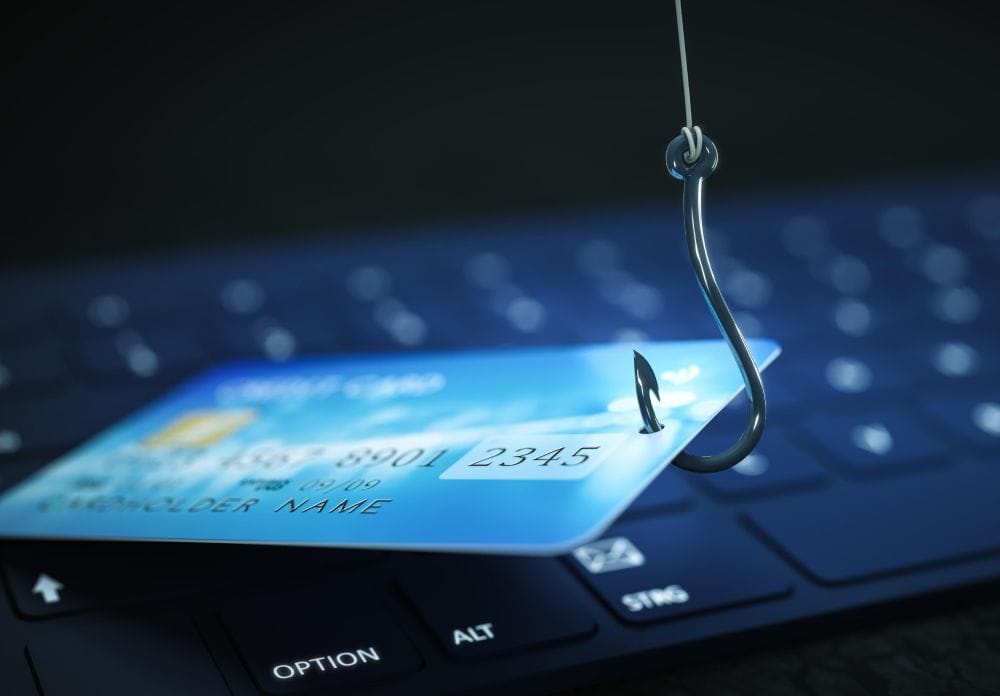
Phishing Scams

Phishing scams are designed to look legitimate so they can trick you into granting account access, sharing personal information, or handing over your digital assets. Learning to spot the warning signs is one of the best ways to protect yourself.
 

Phishing Scams

What Is Phishing?

Phishing is one of the most common and convincing forms of online fraud. Attackers impersonate trusted organisations — banks, government agencies, crypto platforms — to trick you into revealing sensitive information like your password, 2FA codes, or recovery phrase. These messages almost always create urgency to pressure you into acting before you have time to think.

Types of Phishing

Email phishing — Fake emails that appear to come from Ndax, your bank, or another trusted organisation.

SMS phishing (smishing) — Text messages asking you to click a link or call a number.

Voice phishing (vishing) — Calls from fake support agents asking for account details.

QR code phishing (quishing) — QR codes that direct you to a fake website designed to capture your information.

Spear phishing — Personalised messages that use your name or other details to seem credible.

Clone phishing — A copied version of a real email with malicious links swapped in.
 

Warning Signs

  • The sender's email domain doesn't match the official organisation (e.g. [email protected] instead of @ndax.io)
  • Generic greetings like "Dear Customer" rather than your name
  • Urgent language: "Your account has been locked" or "Immediate action required"
  • Links with unusual spelling, extra characters, or unfamiliar domains
  • Requests for your password, 2FA codes, recovery phrase, or private keys
  • Pressure to transfer crypto to "secure" or "verify" your account
  • Unexpected attachments or unsolicited files

Example: You receive an email appearing to be from Ndax saying your account has been flagged for suspicious activity. It asks you to click a link and verify your identity. The page looks identical to the real site — but it's a fake designed to capture everything you enter.

What Ndax Will Never Ask For

Ndax will never contact you by phone, SMS, or email to request your password, 2FA codes, recovery phrase or seed phrase, a transfer of funds to "protect" or "verify" your account, or remote access to your device.

If you're unsure whether a message is from Ndax, log in directly at ndax.io or contact support through the official website — never through links in the email. Ndax will never contact you through Telegram, WhatsApp, or social media DMs. We may occasionally call you and ask for your username to locate your account — but we will never ask for sensitive account information through unsolicited outbound communication.
 

How to Protect Yourself

  • Enable 2FA on your Ndax account and all other platforms
  • Use a password manager and never reuse passwords
  • Bookmark ndax.io directly rather than searching for it each time
  • Hover over links before clicking to verify the real destination
  • Keep your devices updated — outdated software is easier to exploit
  • Never share credentials with anyone, including people claiming to be support agents

Received a Suspicious Message?

Don't click, don't reply. Contact Ndax support through official channels at ndax.io. Report the message to help protect others.

Already Clicked a Suspicious Link?

Act fast. Do not enter any further information. Change your Ndax password immediately, change any reused passwords, confirm 2FA is active, and review your recent account activity.
If you shared financial information, contact the bank, card provider, or payment service provider where the funds originated. If you transferred crypto from your Ndax account, contact [email protected] right away. Cryptocurrency transfers are generally irreversible, but the information you provide may help us review the activity and protect other users.

Save screenshots, links, email headers, sender details, and message content for reporting.
 

How to Report

  • Report to Ndax at [email protected] if your Ndax account was involved or crypto was transferred from your Ndax account
  • Report to the CAFC at antifraudcentre.ca
  • Report to the RCMP at reportcyberandfraud.canada.ca
  • Notify the financial institution where the funds originated, such as your bank, card provider, or payment service provider
  • Report suspicious websites through Google Safe Browsing
  • Report phishing emails directly through your email provider
     

Don't forget to follow us on social media for more updates and join the conversation on our forums.

Disclaimer: This article is not intended to provide investment, legal, accounting, tax or any other advice and should not be relied on in that or any other regard. The information contained herein is for information purposes only and is not to be construed as an offer or solicitation for the sale or purchase of cryptocurrencies or otherwise.